
Accessibility, Haptics and Audio Settings in FM27 Mobile
Explains the separate accessibility settings menu, haptics support, and audio feedback improvements in FM27 Mobile.
- What accessibility and feedback options does FM27 Mobile have?
- Is there a separate accessibility settings menu?
- Does FM27 Mobile support haptics?
- What changed about audio feedback and the back button?
- Where do these options sit alongside the rest of the update?
- How do you adjust these settings for a better experience?
- Related guides
What accessibility and feedback options does FM27 Mobile have?
FM27 Mobile includes a separate accessibility settings menu, haptics support, improvements to audio feedback, and improvements to the back button, according to the game's App Store page. These are listed among the "more improvements" in the 27.0.0 update rather than spelled out in detail, so the exact list of toggles inside the menu is not officially documented yet.
Is there a separate accessibility settings menu?
Yes. The official listing states the game now includes "a separate accessibility settings menu." It does not describe which individual options that menu contains, so the patch notes do not list them yet, and any specific setting names you see discussed elsewhere should be treated as unconfirmed.
Does FM27 Mobile support haptics?
Yes. Haptics are listed as part of the update. The official description only says the game "now includes haptics" and does not explain which actions trigger vibration feedback, so the details of how haptics are used during matches or menus are not officially documented.
What changed about audio feedback and the back button?
Both were improved in the 27.0.0 update. According to the game's App Store page, the update brings "improvements to audio feedback and the back button." The listing does not break down what specifically changed, so treat the exact behaviour as undocumented for now.
Where do these options sit alongside the rest of the update?
The accessibility and feedback changes arrive with version 27.0.0, alongside a set of gameplay additions. The same listing highlights:
- An updated Match Engine with real-time statistics such as Expected Goals
- A Manage Team Dynamics system for team morale and player interaction
- The ability to train players' preferred moves and traits
- A Supporters section within Board Confidence
- New Physio Reports covering injury risk and match readiness
- A new playable league
- Saves carrying over from earlier FM Mobile editions
How do you adjust these settings for a better experience?
The official page does not describe the steps for changing accessibility, haptic or audio options, so a precise walkthrough cannot be given here. What is confirmed is that an accessibility menu exists separately from the main settings, and that haptics and audio feedback are part of the current build. If you want to tweak the experience, start by looking for that dedicated accessibility menu, and check the in-game settings for sound and feedback toggles; the exact labels are not officially listed yet.
FM27 Mobile is free on the App Store for iOS and iPadOS and requires a Netflix membership.
Related guides
Related Guides
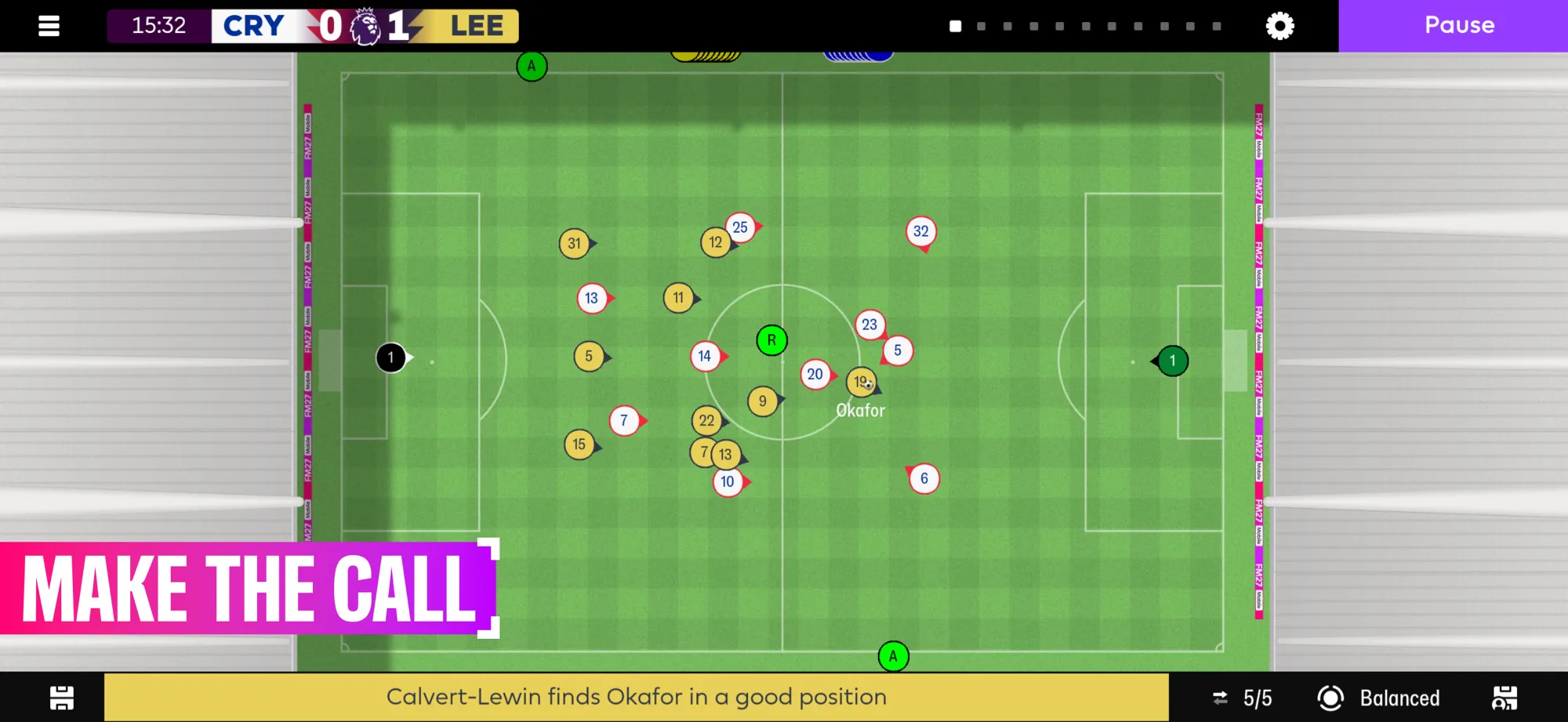
FM27 Mobile: Ability List (Team Dynamics & Signature Moves)
Every named ability and feature entry in Football Manager 27 Mobile — Manage Team Dynamics and Shape Players' Signature Moves, plus the Signature Moves traits system — collected in one reference list with what each one does.
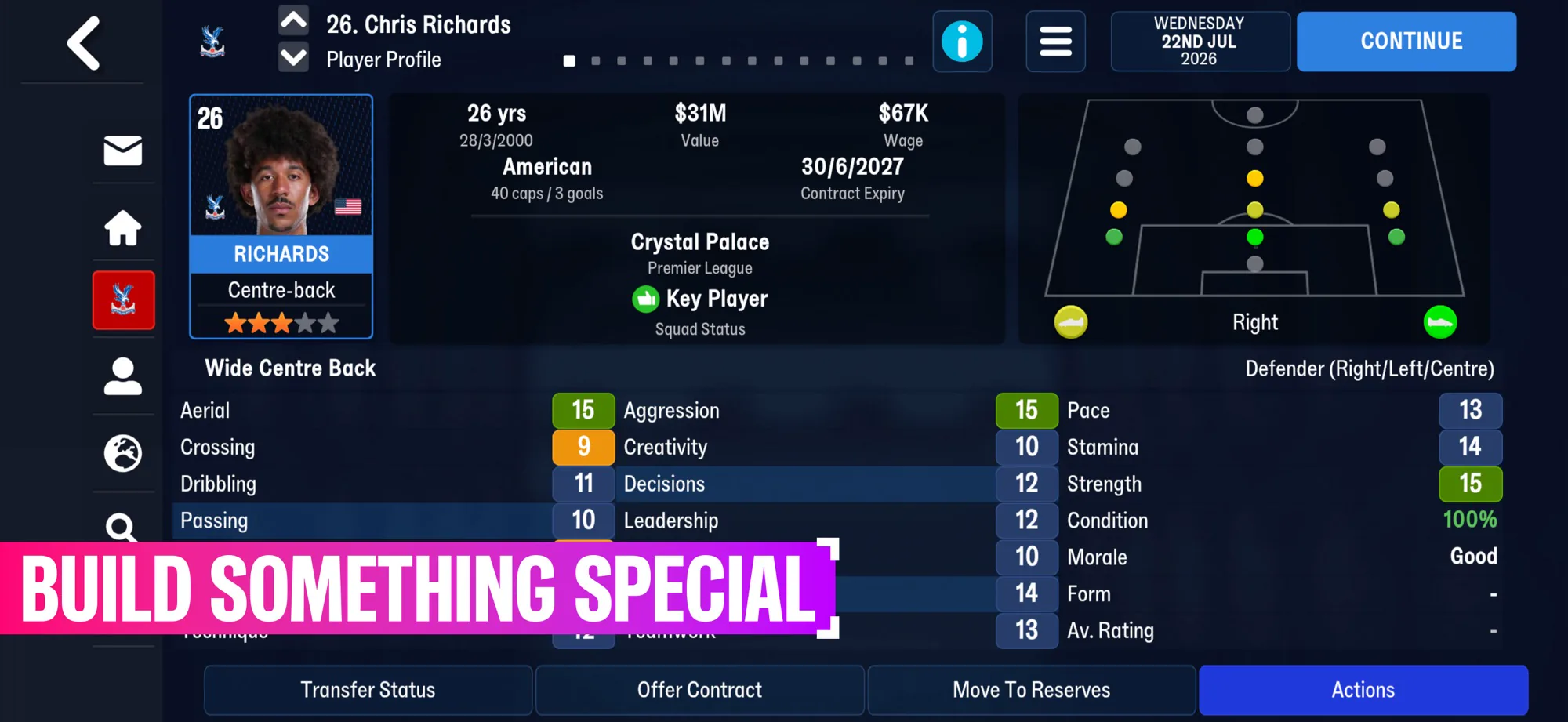
FM27 Mobile: Game Modes & Match Engine Overview
A single reference list of the game modes and match features in Football Manager 27 Mobile, including the Updated Match Engine and its real-time Expected Goals statistics.
Leagues and Clubs You Can Manage in FM27 Mobile
Covers the playable leagues mentioned for FM27 Mobile, including the Premier League, UEFA competitions, and MLS.
FM27 Mobile Match Engine Guide: How Real-Time Stats Work
Explains the updated match engine's real-time statistics such as Expected Goals and how they inform in-match decisions.