FM27 Mobile Beginner Guide: Choosing a Club, Leagues and Your First Season
FM27 Mobile requires an active Netflix membership. A familiar club, Tactics guidance and Physio Reports help you start your first season.
How do I start playing Football Manager 27 Mobile as a beginner?
Install FM27 Mobile on your iOS or Android device, sign in with an active Netflix membership, choose your Netflix profile and start a club career. Once inside your save, use the Tactics guidance to learn player roles, consult Physio Reports before selecting your team, and follow inbox messages as the season develops.
Quick reference
| Topic | Beginner takeaway |
|---|---|
| First club | Choose a club or league you already follow for a familiar starting point. |
| Returning careers | You can continue FM24 Mobile and FM26 Mobile saves. |
| Before team selection | Check Physio Reports for condition, injury risk and match readiness. |
| Reviewing results | Use xG alongside the score to assess chance creation. |
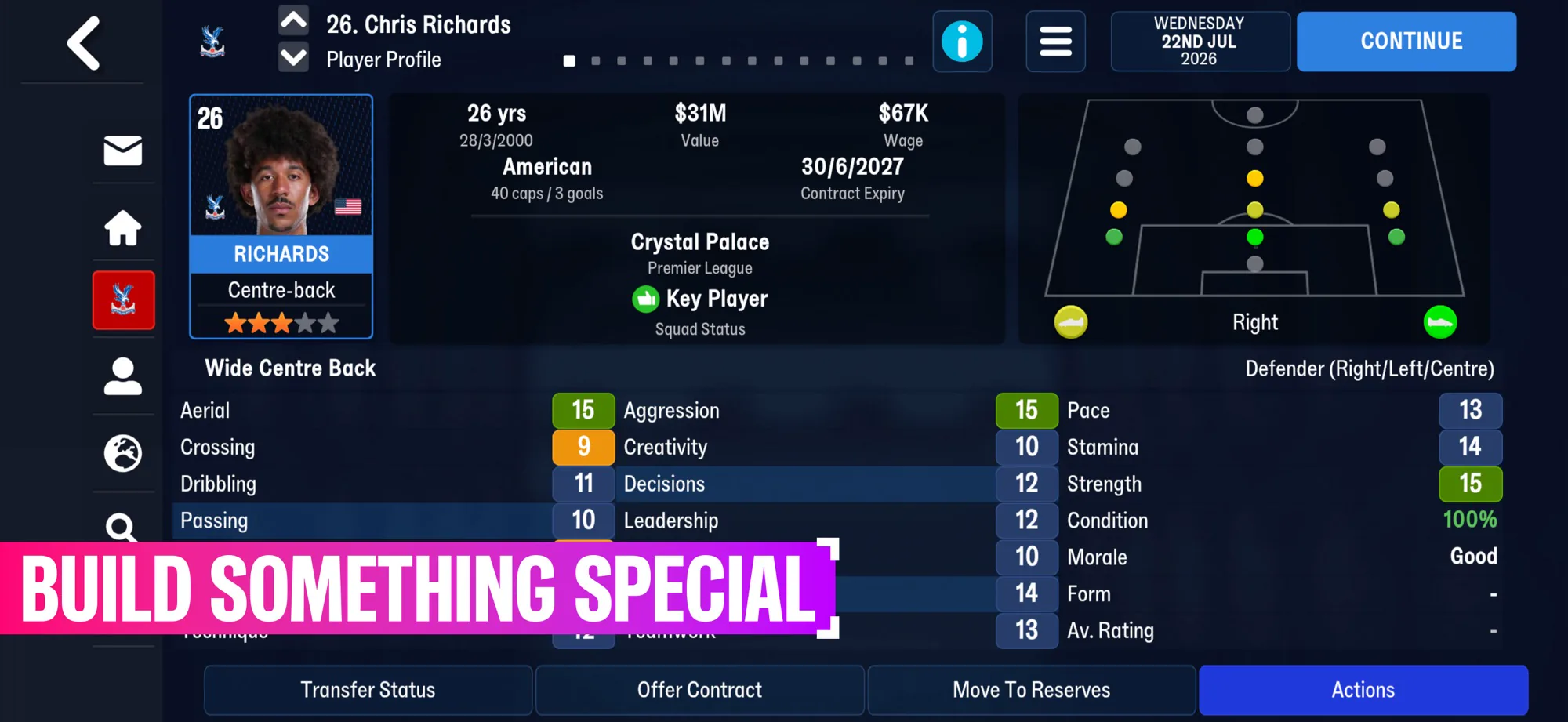
FM27 Mobile launched on 10 November 2026, is free to download with the required membership, and supports single-player offline play once installed.
Is FM27 Mobile a good choice for me?
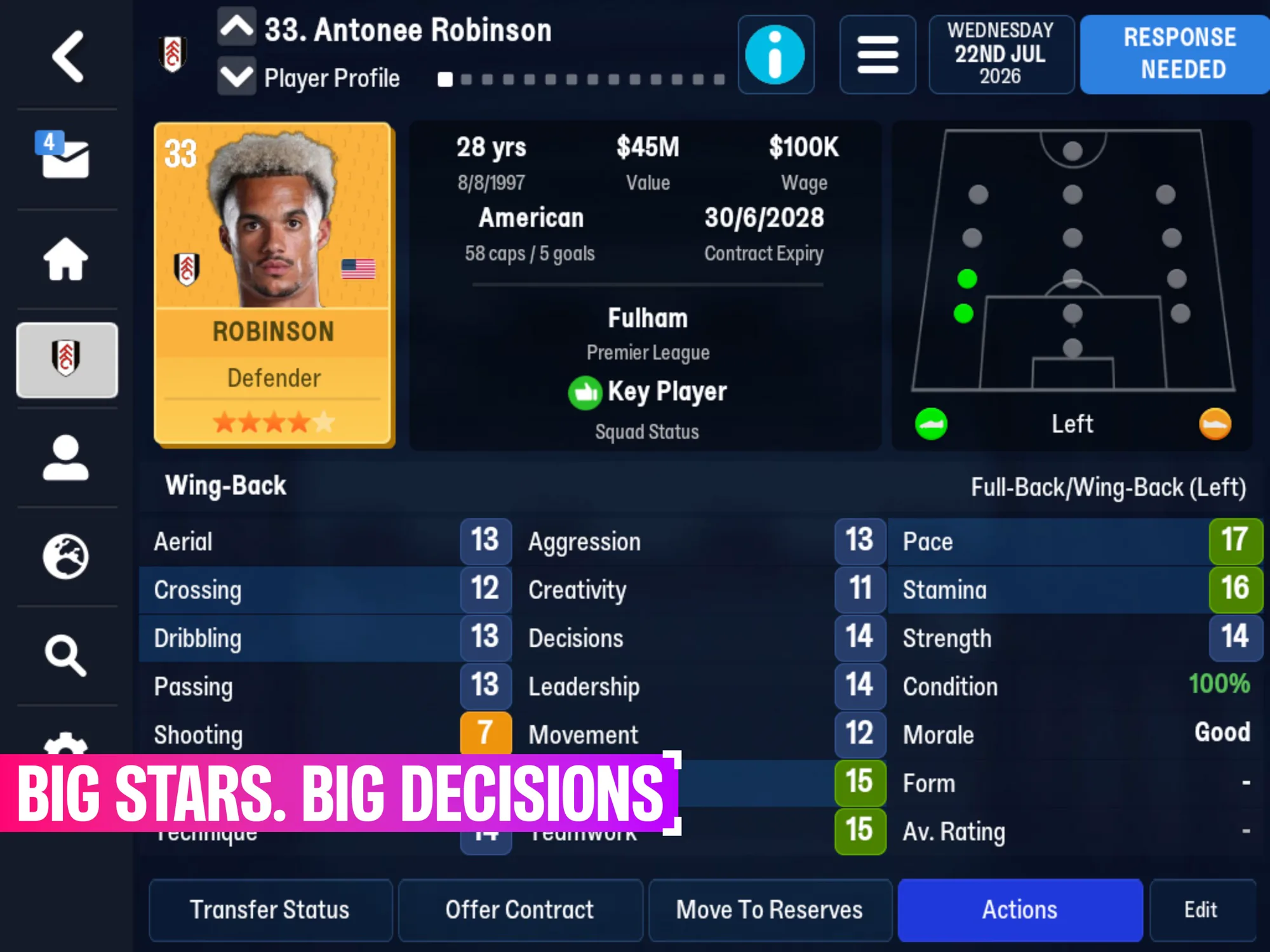
FM27 Mobile is a suitable choice if you want football management designed around quick progress and short sessions while retaining decisions about tactics, recruitment, player development and squad relationships. Whether it is your best Football Manager option on mobile depends on which of those priorities matter most to you.
| Your preference | What FM27 Mobile offers | How to judge the fit |
|---|---|---|
| Management depth | Tactics, scouting, trait training, squad Dynamics and supporter confidence | A good fit if you want to manage both performances and people |
| Help learning the game | Role guidance, Physio recommendations and news messages that lead to relevant menus | Useful if you want advice while keeping control of decisions |
| Short sessions | A design focused on decisive play and quick progress | Suits picking up a career in spare moments |
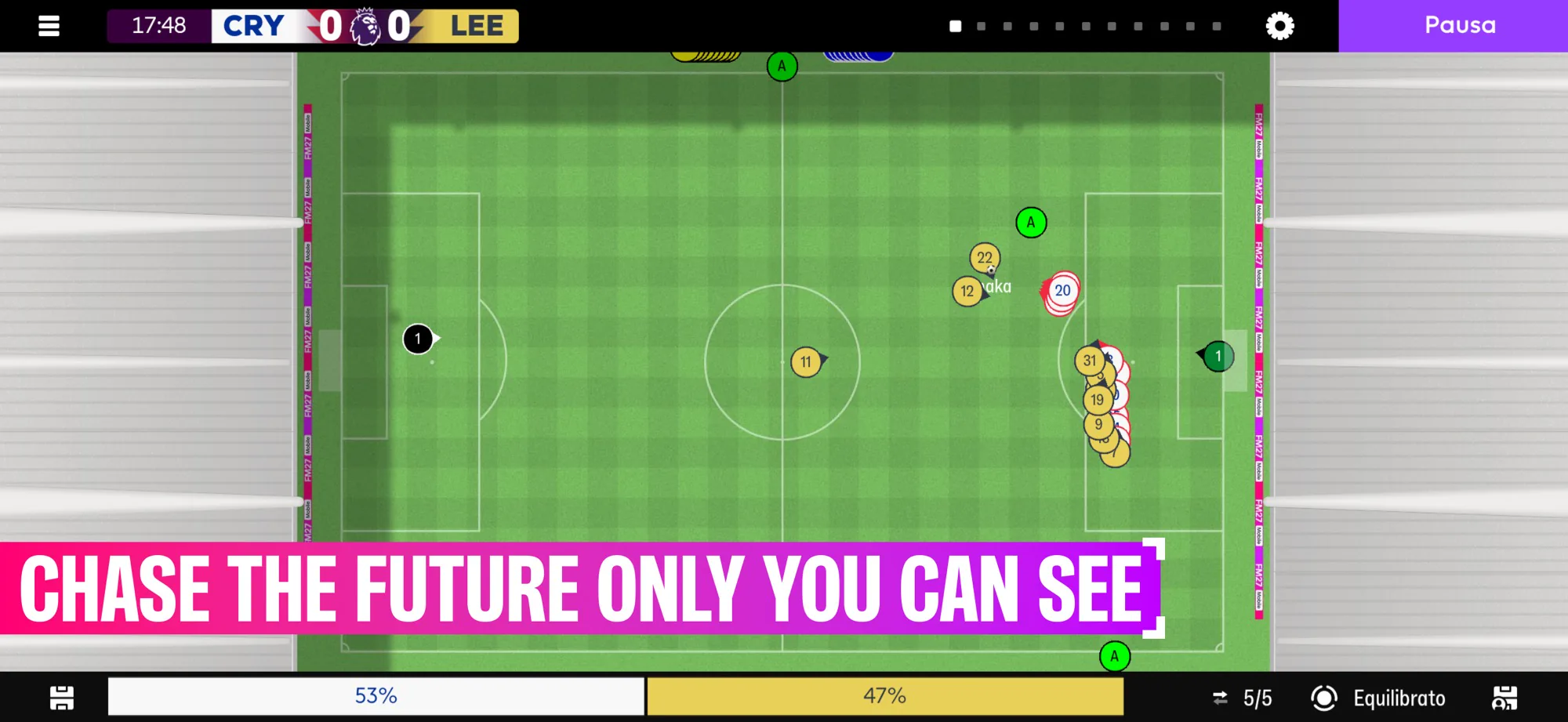
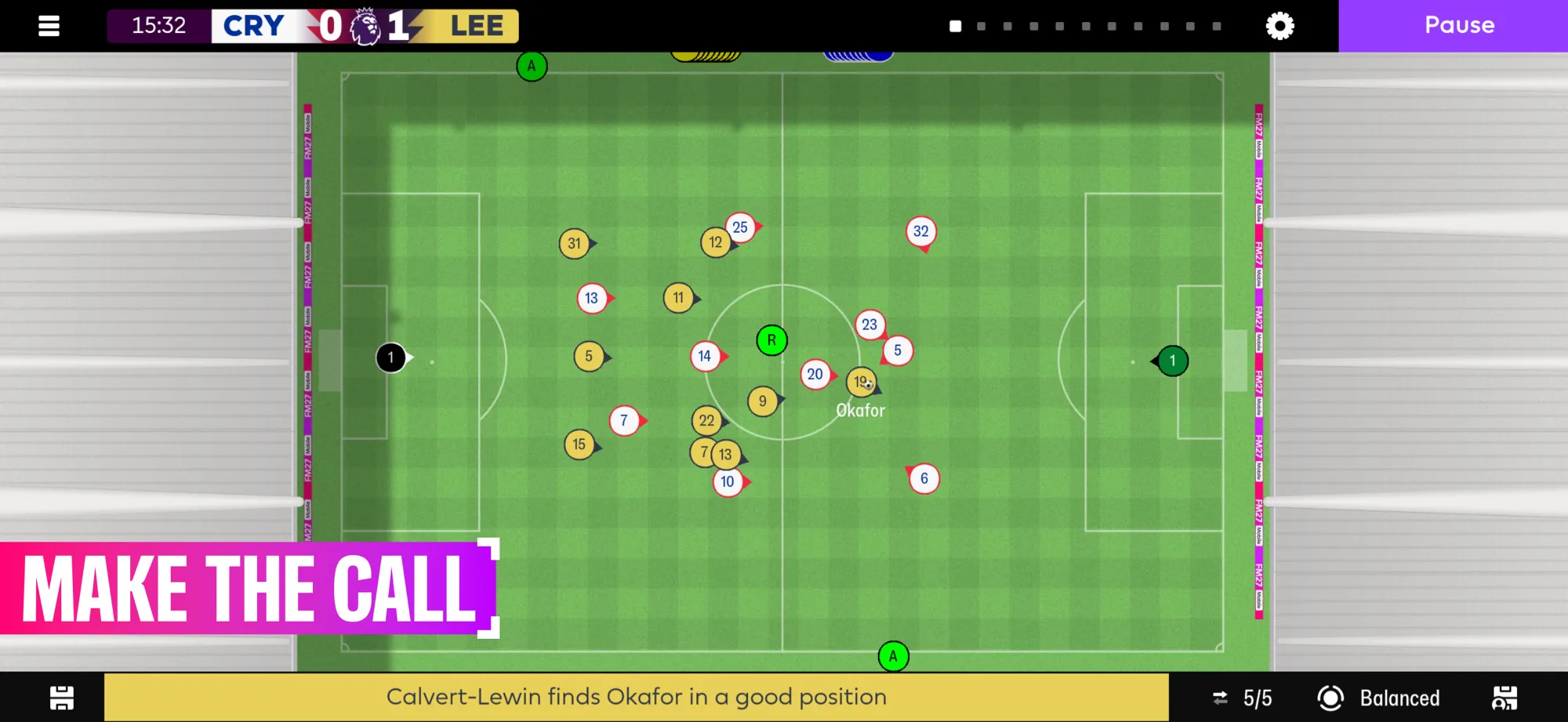
| Match presentation | A 2D Match Engine with xG and other match information | Suits players comfortable following matches in 2D |
| Access cost | Free download; active Netflix membership required | Most appealing if you already subscribe; otherwise include the subscription in your decision |
| Offline and device use | Single-player offline play, without cloud saves | Suits playing on one device; less convenient if switching devices is a priority |
Mobile offers a more digestible way to play FM while retaining depth and detail, according to Sports Interactive's FM27 Mobile feature announcement. That makes it a sensible starting point for these preferences, rather than the best option for every player.
How do I install FM27 Mobile through Netflix?
Find the game in the Netflix app or your device's app store, install it, then sign in and select your Netflix profile.
- Open Netflix and find the Mobile Games row. Android also has a Games shortcut. Alternatively, search for Football Manager 27 Mobile in the App Store or Google Play Store.
- Select the game. From Netflix, tap Get Game or Play Game to open the store installation prompt.
- Install the game and tap Open.
- If prompted, sign in using your Netflix account email address and password.
- Choose your Netflix profile and start playing. The in-game Profile icon lets you change profiles.
You need an internet connection for downloading and installation, sufficient storage and a compatible device. The game requires iOS 17.0 or iPadOS 17.0 or later, with a download of about 2.3 GB. Netflix recommends Android 9 or later across its games, with device requirements varying by game.
If the game does not appear, device compatibility or the profile's maturity settings can affect availability, according to Netflix's game support page.
Which club and leagues should I choose first?
For your first career, choose a club or league you already follow so you have a familiar starting point while learning the menus. This is a beginner recommendation, rather than an official difficulty ranking of clubs.
You can pursue Premier League ambitions, UEFA club competitions or managing an MLS side. Pick the footballing story that interests you rather than treating any of those routes as a guaranteed easy save.
In the player's YouTube video Football Manager 27 Mobile — First Look & Hands-On!, the presenter chooses Arsenal for a normal club career, uses on-screen tutorials and finds that starting unemployed is also available. If your aim is to learn club management immediately, taking a club job gives you a direct starting point.
Colombia is a new playable, unlicensed league. Review the choices during career setup rather than planning around a numerical league limit.
Can I continue an older FM Mobile save?
Yes. You can carry over saves from earlier Mobile editions, including FM24 Mobile and FM26 Mobile.
Returning players therefore have a choice: keep an existing story or begin a fresh career to learn the new systems from the start.
Edition carry-over and cloud backup are separate features. FM27 Mobile does not use cloud saves. Uninstalling the game or playing on another device means starting from the beginning, and deleting game data removes progress that cannot be recovered. Do not assume your Netflix login backs up your career.
What should I do through my first season?
Use a repeating routine: understand your roles, check readiness, respond to squad news, then review performances and supporter confidence.
- Begin in Tactics. At the start of a career, role guidance highlights the world's best players for each role as reference points. Use those examples to understand what a role asks of a player before building your tactical shape.
- Check Physio Reports before selection. Reports cover condition, assessment, advice and recommendations. They explain injury risk and match readiness using factors such as injury history, fitness, fatigue and match load, with advice on selection and training intensity.
- Follow relevant inbox messages. The improved news system directs you to areas where action may help. During poor form, for example, it may point you back to Tactics.
- Investigate morale events. Dynamics and Player Profiles provide context for situations such as dressing-room conflicts or goal droughts. Read that context before choosing how to respond; player personalities can affect their reactions.
- Review matches beyond the score. Expected Goals, or xG, appears during matches, in league tables and in post-match reports. Use it alongside the result to assess chance creation rather than treating one scoreline as a complete tactical verdict.
- Check Supporters within Board Confidence. Fan opinion covers team performance, transfers, long-term stability and your management, so results alone do not explain every reaction.
As you become comfortable, explore preferred-move and trait training. You can train or remove traits, but your coaching structure determines which training is available. Learn what each trait does and how it fits your intended tactics before changing a player's development.
Not announced yet
What to read next
Related Guides
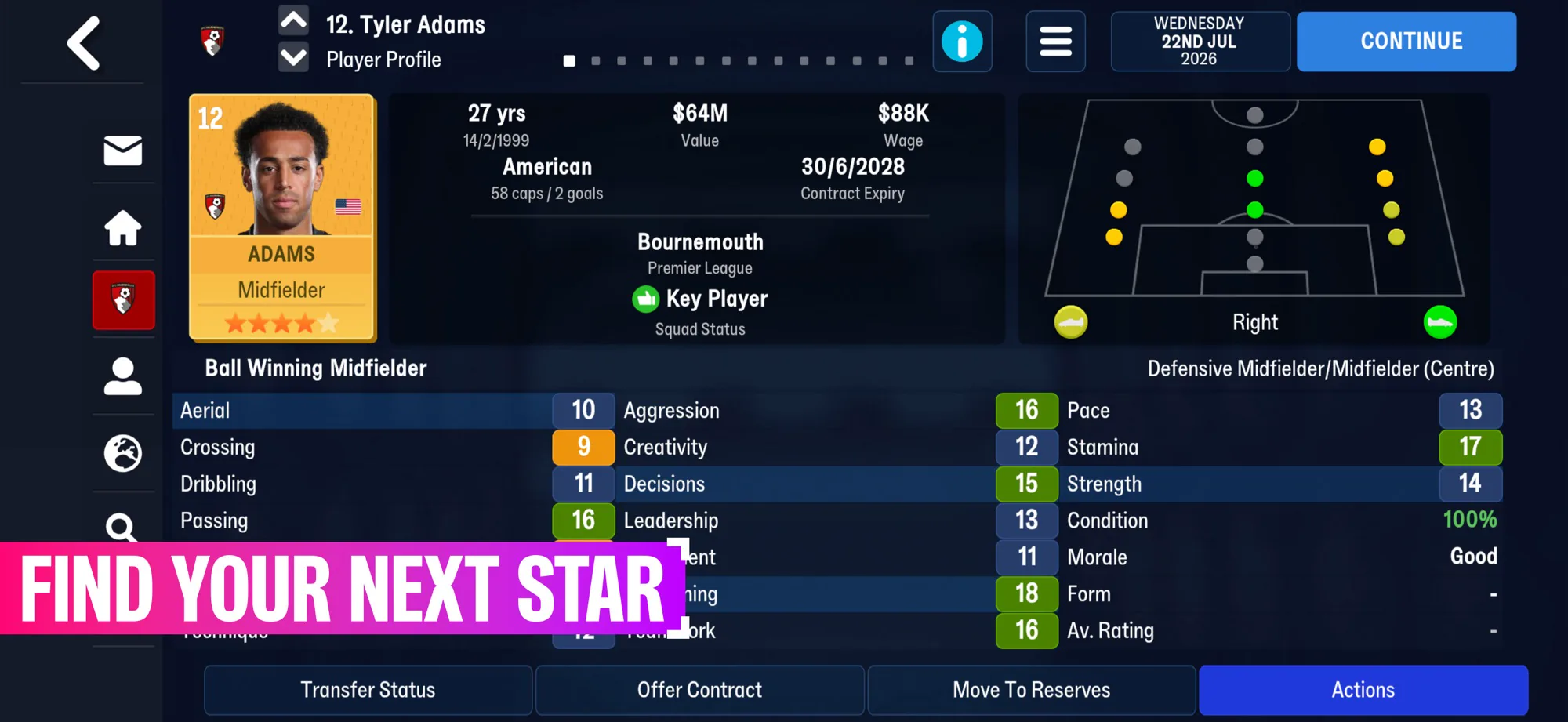
Getting Started in FM27 Mobile: Club Choice, Leagues, and First Steps
Early career tools include Tactics role guidance, Physio Reports and inbox messages on squad morale.
Why FM27 Mobile Defending Feels Harder and What to Check First
Wing-back marking can revert to Zonal; Physio Reports help assess defender readiness.
FM27 Mobile Alternative Careers and Challenge Modes
FM27 Mobile lets you create your own club, start unemployed or play returning challenges.
Recreating Barcelona's 2016/2017 Tactic in FM27 Mobile
Messi plays as an Advanced Playmaker on the right, while Suárez leads as a Complete Forward.
FM27 Mobile Community Hubs: FMM Vibe Forums and the SI Bug Tracker
FM27 Mobile community advice is on FMM Vibe; official news comes from @FootballManager’s social channels.