Football Manager 27 Mobile: Release Date and Which Devices It Runs On
Football Manager 27 Mobile launched on 10 November 2026 for iOS and Android, with an active Netflix membership required to play.
When did Football Manager 27 Mobile come out?
Football Manager 27 Mobile launched on 10 November 2026 for iOS and Android, exclusively for Netflix subscribers. The download is free, but playing requires an active Netflix membership. Supported device categories include Android phones and tablets, iPhone and iPad. Netflix also names iPod touch, subject to the App Store's OS requirements.
Quick reference
| Topic | Key information |
|---|---|
| Release | 10 November 2026; launch version 27.0.0 |
| Access | Free download; active Netflix membership required to play |
| Installation | Through Netflix or directly through your device's app store |
| Save carryover | Careers from FM24 Mobile or FM26 Mobile can continue |
| Cloud saves | Unavailable; uninstalling or resetting game data removes progress |
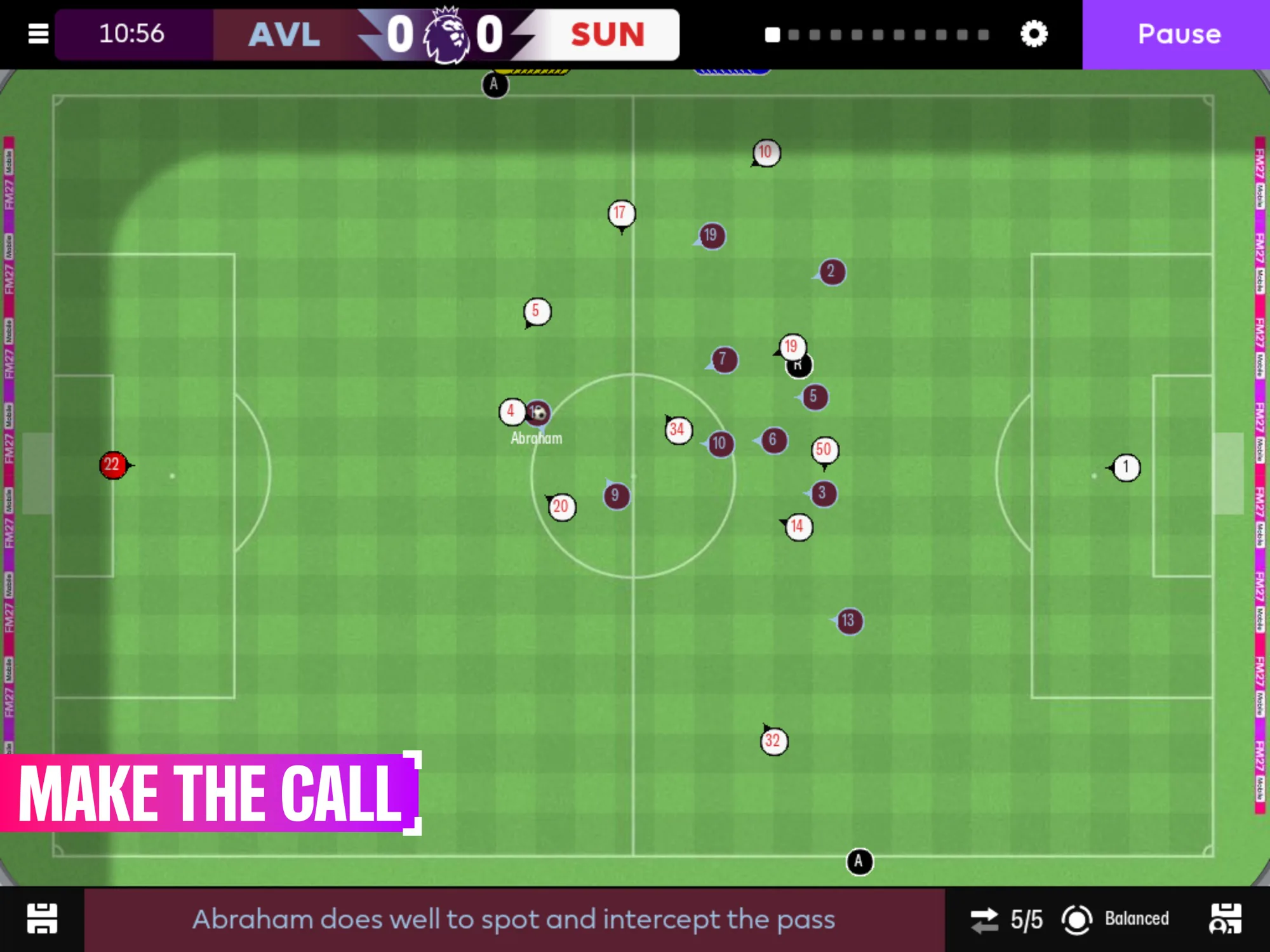
The FM27 edition's App Store launch version, 27.0.0, is dated 10 November 2026. The app record first appeared in 2023, but that is not the FM27 Mobile release date: older reviews and version-history entries belong to earlier editions.
Which devices can run Football Manager 27 Mobile?
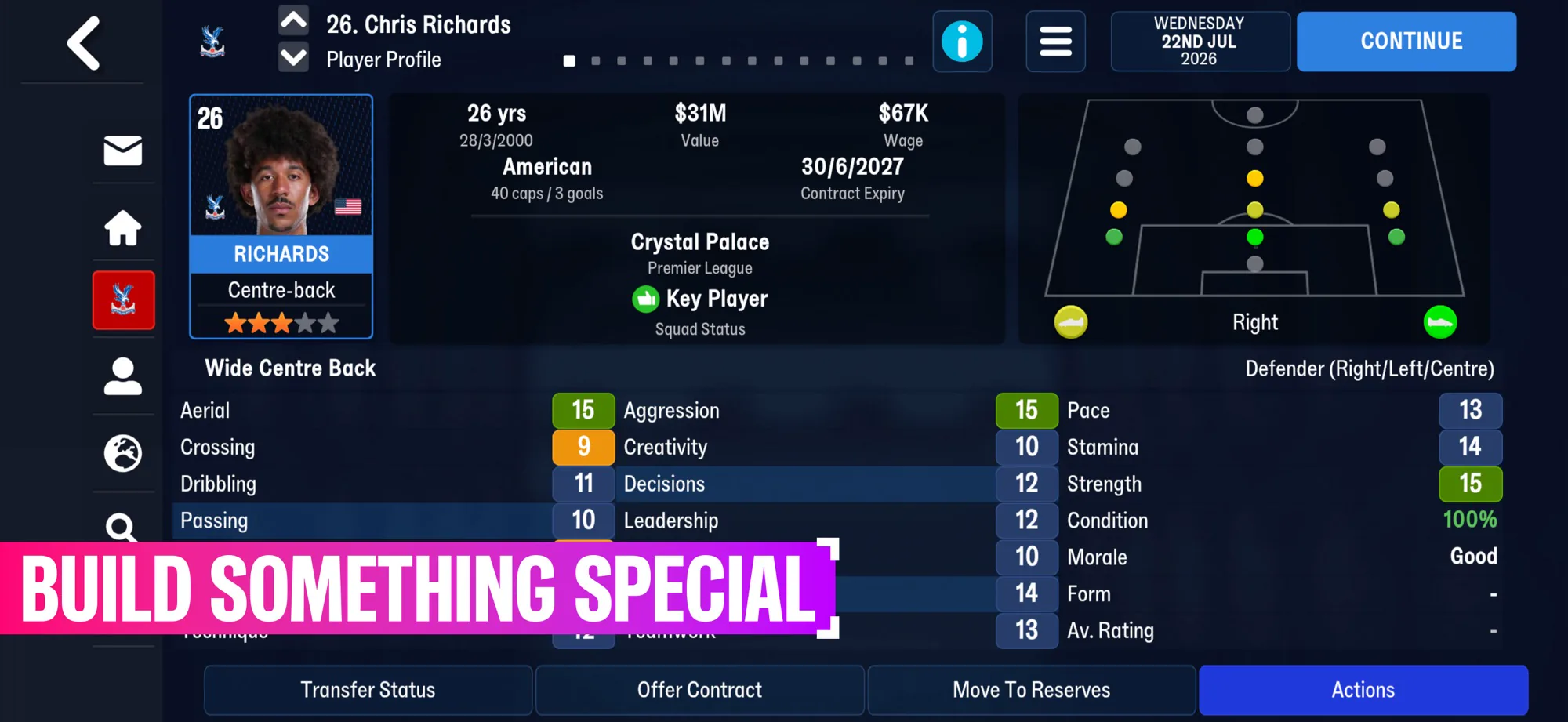
The confirmed platforms for the Mobile edition are iOS and Android. FM27 on PC/Mac and FM27 Console are separate editions.
Apple's minimum OS requirements apply to the App Store version; Netflix's recommendations apply more broadly to Netflix games.
| Device | OS requirement or recommendation | Important distinction |
|---|---|---|
| iPhone | iOS 17.0 or later | App Store minimum; Netflix also recommends iOS 17 or above |
| iPad | iPadOS 17.0 or later | App Store minimum; Netflix also recommends iPadOS 17 or above |
| Android phone or tablet | Android 9 or above recommended by Netflix | A general Netflix Games recommendation, rather than an FM27 Mobile-specific minimum |
| iPod touch | Included among Netflix's device categories | The App Store's iOS 17.0 requirement still applies |
Requirements vary by game. Use a compatible device rather than treating Netflix's general OS recommendations as FM27 Mobile-specific minimum requirements.
The Apple download size varies between storefront versions: the US figure of 2256 MB is approximately 2.3 GB, while the Indonesian and Danish figures are 2.4 GB. Check the download size on your own storefront before installing, and leave enough free storage for installation. These are Apple download-size figures, not Android storage requirements.
How do you download FM27 Mobile and sign in?
You can install FM27 Mobile through the Netflix app or directly through your device's app store, then use your Netflix account to sign in if prompted. Follow the installation instructions from Netflix's official game support:
- Choose an installation route.
- From Netflix: Find the game in the Mobile Games row, or the Games shortcut on Android, and tap Get Game. On Apple devices, tap Get Game or Play Game, then follow the store prompt.
- On Android: Search Google Play for Football Manager 27 Mobile and tap Install. Its package name is
com.netflix.NGP.FootballManagerMobile. - On iPhone or iPad: Search the App Store for Football Manager 27 Mobile and tap Get or the cloud icon.
- Open the installed game.
- Enter your Netflix account email address and password if prompted.
- Choose your Netflix profile and start playing.
Downloading and installing requires an internet connection and enough storage space. According to Netflix, the game may not appear if your device is incompatible or your profile's maturity setting is below the game's rating.
Can you carry over saves or switch devices?
You can continue saves from FM24 Mobile or FM26 Mobile, according to Sports Interactive's official FM27 Mobile feature announcement, but FM27 Mobile does not use cloud saves, according to Netflix.
Carrying a career into a new edition is not the same as syncing it between devices. According to Netflix, uninstalling the game or playing on a different device means starting from the beginning. Uninstalling or resetting game data also removes progress that cannot be recovered.
Keep the app installed and avoid resetting its data if you want to preserve your existing progress.
Rumours and leaks
DrewBee claims in FMM Vibe's general discussion that existing Android saves carry forward because FM27 updates the installed FM26 app. This is an unconfirmed community claim about how carryover works on Android, distinct from the official support for continuing FM24 Mobile and FM26 Mobile careers.
What to read next
Related Guides
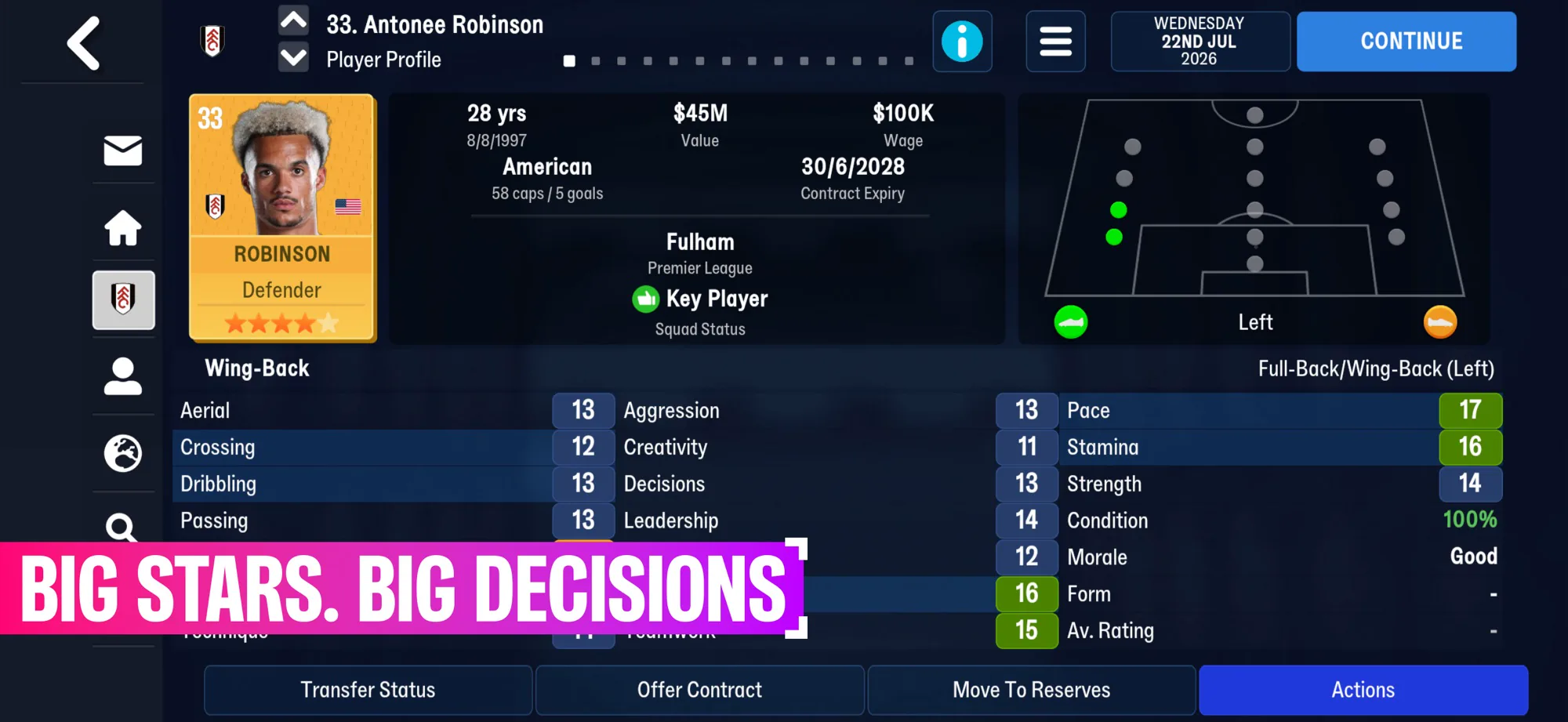
FM27 Mobile Price and Netflix Membership: What You Actually Pay
FM27 Mobile’s App Store purchases are regional Netflix subscriptions, not separate game content.
Platforms, Languages and Controller Support
The “In-App Controls” label does not confirm whether Football Manager 27 Mobile supports controllers.
FM27 Mobile Version 27.0.0: What the Launch Build Brings
The iOS launch build arrived on 10 November 2026 and requires an active Netflix membership.