
Why FM27 Mobile Defending Feels Harder and What to Check First
FM27 Mobile defending checks start with marking instructions, midfield cover and player readiness, with opposition xG used to assess changes.
Quick reference
| Check | What to do |
|---|---|
| Marking instructions | Inspect wing-back marking before kick-off, during play and after full-time. |
| Midfield cover | Watch full-back and midfielder positions when possession changes. |
| Defender readiness | Read Physio Report selection and training-intensity recommendations. |
| Results of changes | Compare opposition xG, goals conceded and chances in highlights across subsequent matches. |
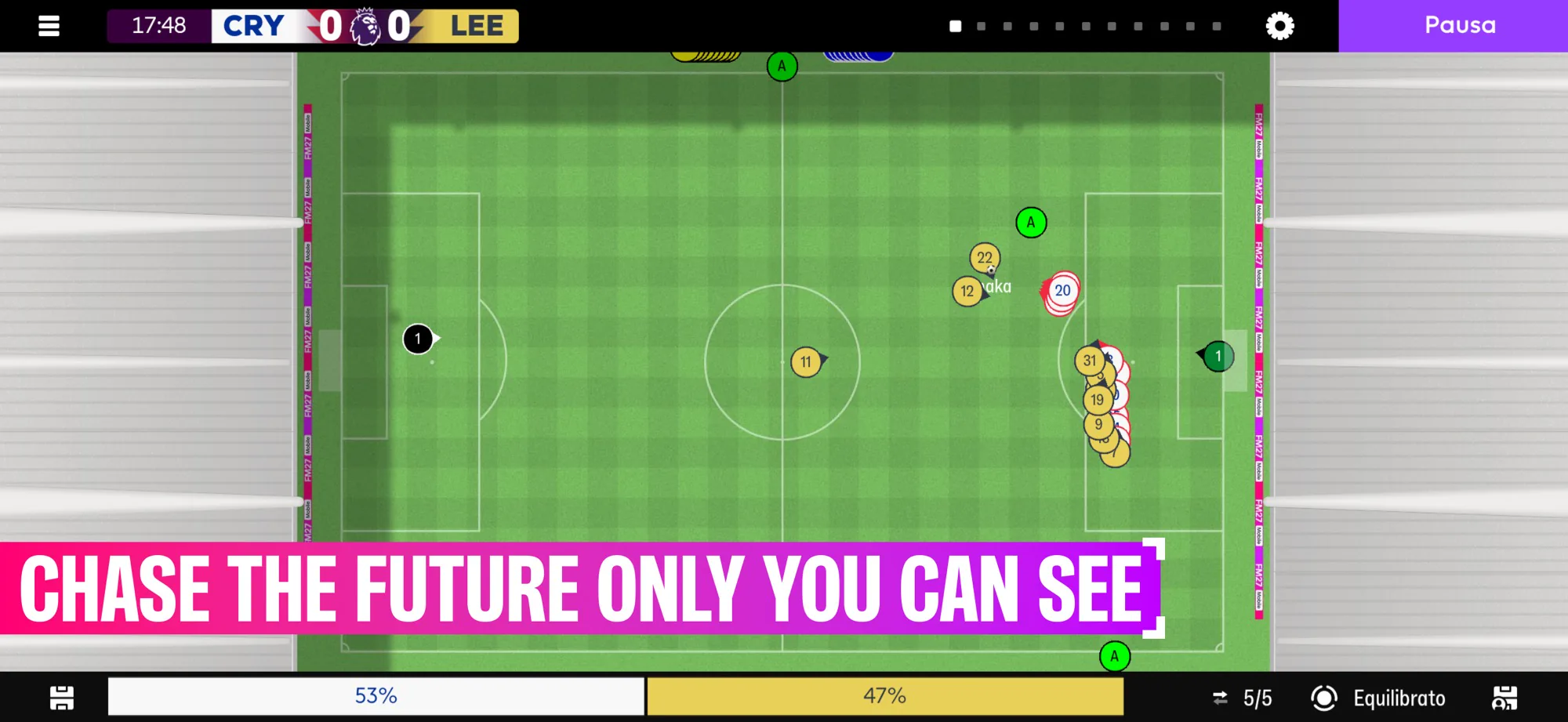
- Why does defending feel harder in FM27 Mobile?
- Are your full-backs and midfielders getting too far forward?
- Are marking instructions reverting during matches?
- Which defensive line and closing-down settings should you try?
- How can you check defender readiness and role suitability?
- How do you tell whether your defensive changes helped?
- Not announced yet
Why does defending feel harder in FM27 Mobile?
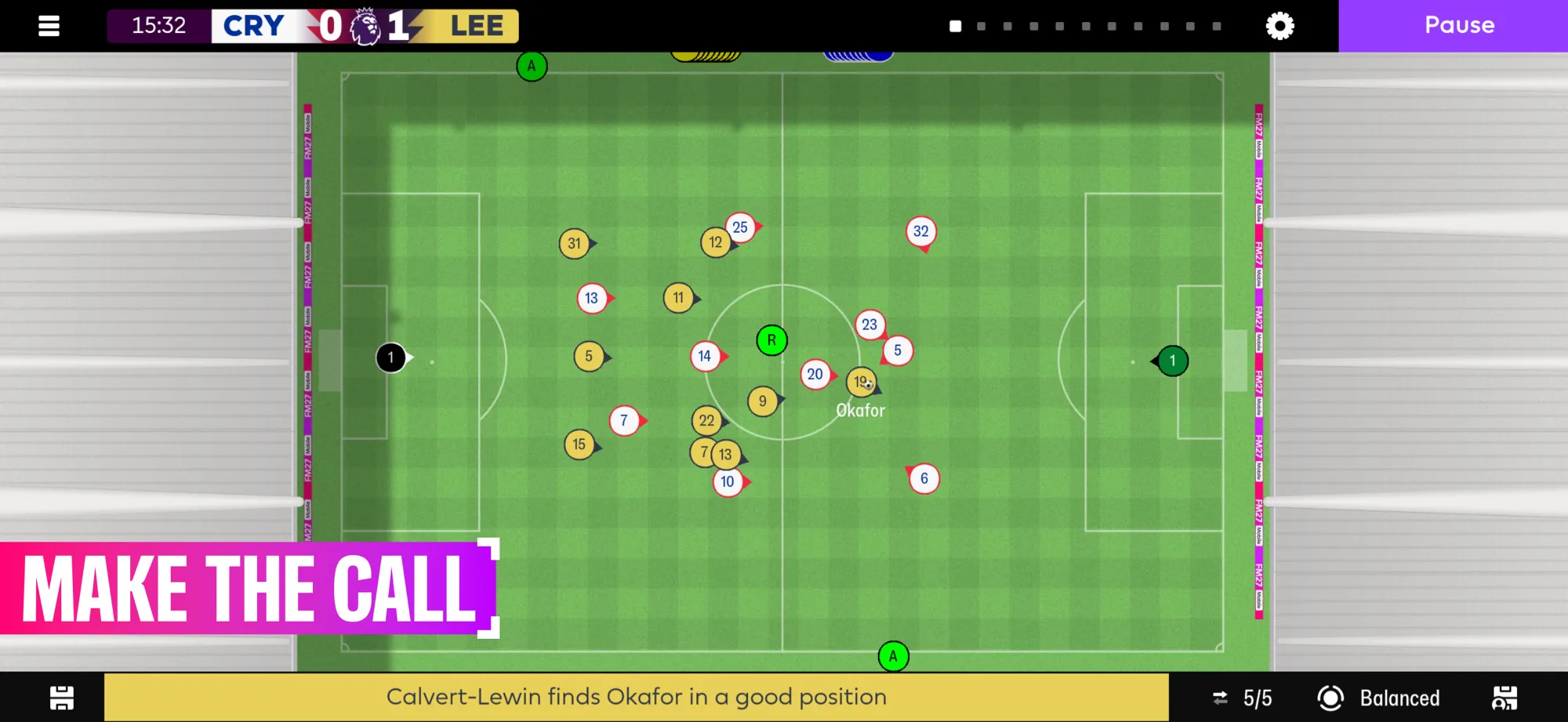
FM27 Mobile has a new match engine, and early FMM Vibe players describe faster opposition attacks, more adventurous full-backs and midfielders, and marking instructions that do not stay selected. Check instructions after kick-off first, review midfield cover and defensive settings, then use Physio Reports and opposition xG to assess your changes.
Are your full-backs and midfielders getting too far forward?
That was KaiyoXD’s experience: in FMM Vibe’s early-impressions thread, KaiyoXD observed more midfield runs into the box and full-backs reaching shooting positions after roughly 20 hours of play.
KaiyoXD described defending as a nightmare, with fast AI attacks stretching the back line and defenders stepping out into vulnerable individual duels. Those observations describe behaviour in KaiyoXD’s matches.
Watch where your full-backs and midfielders are when possession changes. If they are consistently ahead of the ball, review their roles and cover before assuming that changing the defensive line alone will solve the problem.
Are marking instructions reverting during matches?
According to a player account quoted by kidthekid in FMM Vibe’s general discussion, wing-back Player Marking reverted to Zonal, including after the instruction was reapplied during play. The marking instruction was also missing from the tactical screen after the match.
Use a simple diagnostic check:
- Inspect wing-back marking before kick-off and again once the match starts.
- If you reapply Player Marking, check whether it survives resuming play.
- Review the tactical screen after full-time.
This can identify an instruction that is not sticking; repeatedly reapplying it is not an established permanent fix.
In the same FMM Vibe discussion, IMDBcooper recommends retaining a defensive midfielder, replacing a box-to-box midfielder with a central midfielder, and using Disciplined rather than Expressive creative freedom to maintain shape. Black Hawk’s separate criticism concerns permissive defending and midfielders allowing opponents to carry the ball forward. Treat these suggestions as tactical experiments rather than certain cures.
Which defensive line and closing-down settings should you try?
Balanced defensive line and All Over closing down are one player’s comparison point, not a universal defensive fix. In the YouTube guide “THIS 4-3-3 TACTIC IS BROKEN in FM27 MOBILE!”, the presenter uses the following settings for a custom 4-3-3:
| Defensive instruction | Presenter’s setting |
|---|---|
| Defensive line | Balanced |
| Closing down | All Over |
| Tackling | Normal |
| Offside trap | No |
The presenter also uses Counter mentality, with a full-back on one flank and a wing-back on the other. This is a player’s setup and experience, not an official recommendation or a certain solution for your squad.
Compare closing down and defensive line with your current setup. Change one element at a time and watch whether the same gaps remain, rather than copying an entire tactic and judging it only by the next result.
How can you check defender readiness and role suitability?
Physio Reports assess injury risk and match readiness, while the Tactics menu provides role guidance for newcomers, according to Sports Interactive’s official Mobile feature announcement.
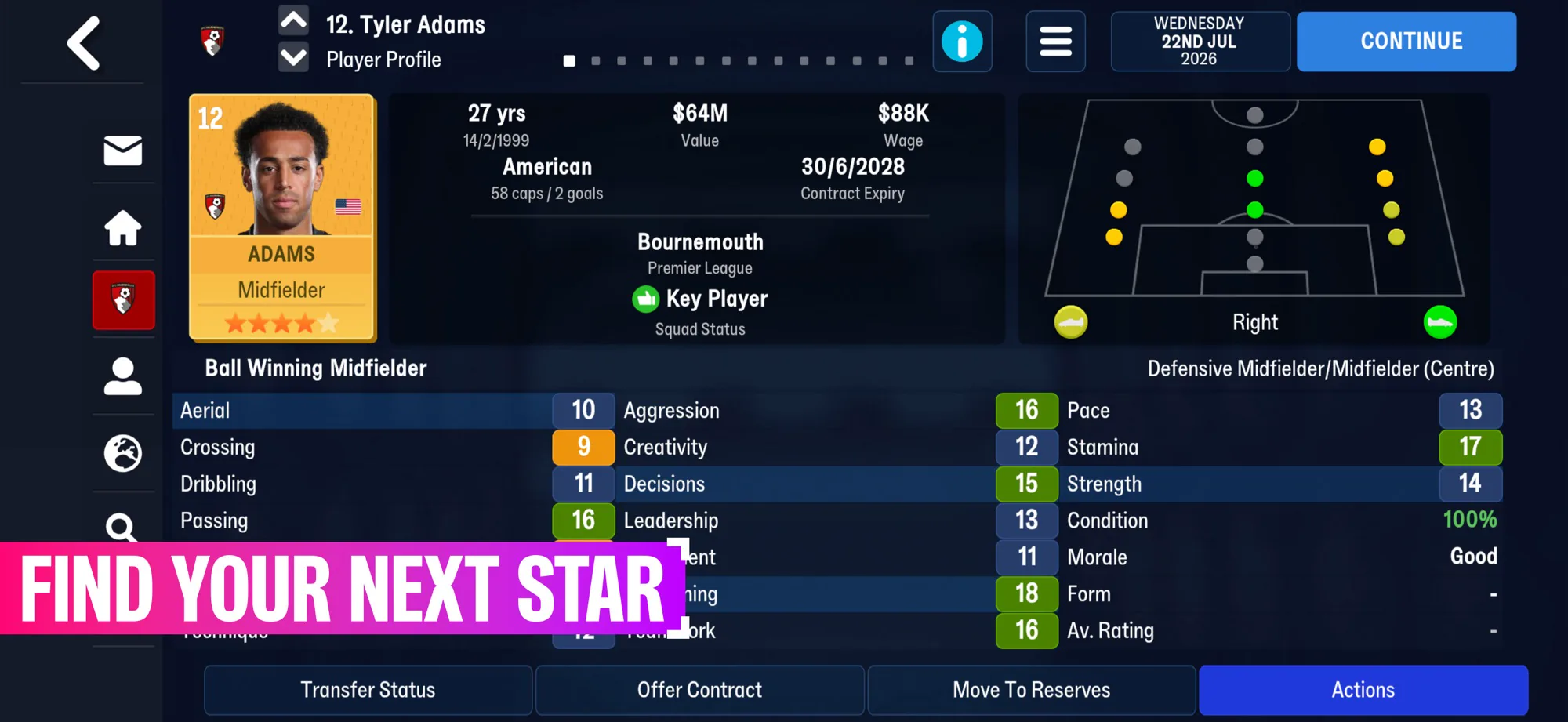
According to Sports Interactive, the Physio Report combines injury history, fitness, fatigue and match load, organised into condition, assessment, advice and recommendations. Read its selection and training-intensity recommendations before choosing defenders for the next fixture.
Newcomers receive Tactics-menu guidance at the start of a career showing the world’s best players for each role, according to Sports Interactive. Use those examples as references for understanding roles, rather than treating every available midfielder or defender as interchangeable.
How do you tell whether your defensive changes helped?
Compare opposition xG with goals conceded and the chances shown in highlights, rather than using the scoreline alone. According to Sports Interactive, xG is available during matches, in league tables and in post-match reports to give performance context beyond results.
As a practical test, track whether your changes reduce the chances opponents create across subsequent matches. Review your own xG too: a disappointing result can involve your finishing as well as your defending. A strong attacking xG total does not, by itself, show that your defence worked.
Start with instructions that stay selected, then assess midfield cover, defensive settings and player readiness. Treat community suggestions as experiments, and use the match evidence to decide what to change next.
Not announced yet
What to read next
Related Guides
Fixing Defensive Problems in FM27 Mobile
A Balanced defensive line and All Over closing down are starting settings to test with your squad.
Getting Started in FM27 Mobile: Club Choice, Leagues, and First Steps
Early career tools include Tactics role guidance, Physio Reports and inbox messages on squad morale.
FM27 Mobile Beginner Guide: Choosing a Club, Leagues and Your First Season
FM24 Mobile and FM26 Mobile saves carry over, but FM27 Mobile has no cloud saves for your career.
FM27 Mobile Alternative Careers and Challenge Modes
FM27 Mobile lets you create your own club, start unemployed or play returning challenges.
Recreating Barcelona's 2016/2017 Tactic in FM27 Mobile
Messi plays as an Advanced Playmaker on the right, while Suárez leads as a Complete Forward.