FM27 Mobile Troubleshooting: Crashes, Freezing, Lag and Lost Progress
FM27 Mobile crash fixes include closing apps, restarting your device and updating the game. Deleted saves cannot be recovered.
How do you fix FM27 Mobile crashes, freezing, lag or lost progress?
For Football Manager 27 Mobile crashes or freezing, close the game and other apps, restart your device, and install available game updates, retrying after each step. For lag, close apps and check for updates. Do not uninstall or reset game data: deleted saves cannot be recovered. Contact Netflix support if progress disappears without either action.
Quick reference
| Problem | What to do |
|---|---|
| Crashes or freezing | Close the game and other apps, restart the device, then install available updates; retry after each step. |
| Lag or visual stuttering | Close the game and other apps, retry, then install available updates and retry. |
| Missing progress or items without deleting data | Use Netflix’s Contact Us option. |
| Persistent crashes, freezing or performance problems | Follow the Football Manager help site referral through Netflix support. |
| Uninstalling, resetting data or switching devices | Deleted save data cannot be recovered; a different device starts from the beginning. |
What should I do if FM27 Mobile crashes or freezes?
Close FM27 Mobile and any other running apps first, then reopen the game and try again.
According to Netflix, follow this order for a game that closes suddenly, freezes or stops responding:
- Close the game and other running apps, then retry.
- Restart your device, then retry.
- Check for available game updates and install them, then retry.
Crash causes and fixes can vary.
How do I fix FM27 Mobile lag or visual stuttering?
For lag, visual skipping or stuttering, Netflix recommends closing the game and other running apps, then installing any available game updates if the problem continues.
Follow this shorter performance-specific sequence:
- Close FM27 Mobile and other running apps, reopen the game and retry.
- Check for available game updates, install them and retry.
For performance troubleshooting, use these app-closing and update steps rather than a specific graphics-settings preset.
Can I recover lost FM27 Mobile progress?
If you uninstalled FM27 Mobile or reset its game data, the removed data cannot be recovered, according to Netflix; if you did neither, contact support about the missing progress or items.
FM27 Mobile does not use cloud saves, according to Netflix. Playing on a different device means starting from the beginning. Switching devices is therefore not a way to retrieve your existing career through cloud syncing.
If your progress was reset or items disappeared without uninstalling or resetting game data, use Contact Us at the bottom of Netflix’s FM27 Mobile Game Support page. Avoid deleting the app or resetting its data while seeking help.
According to the App Store, saves carry over from earlier FM Mobile editions. This is separate from cloud backup: deleted local data still cannot be recovered.
What if FM27 Mobile still does not work?
If the troubleshooting steps do not resolve the issue, Netflix directs players to the Football Manager help site through its support page.
For missing progress or items without a data deletion, use Netflix’s Contact Us route. For persistent crashes, freezing or performance problems, follow the Football Manager help site referral on the Netflix support page.
Rumours and leaks
In the FMM Vibe discussion of update 27.1.0, Darabeel described CPU lineup and substitution problems, including a player reaching zero fitness at half-time and remaining on the pitch for the whole game. This is an individual player’s account.
What to read next
Related Guides
FM27 Mobile Alternative Careers and Challenge Modes
FM27 Mobile lets you create your own club, start unemployed or play returning challenges.
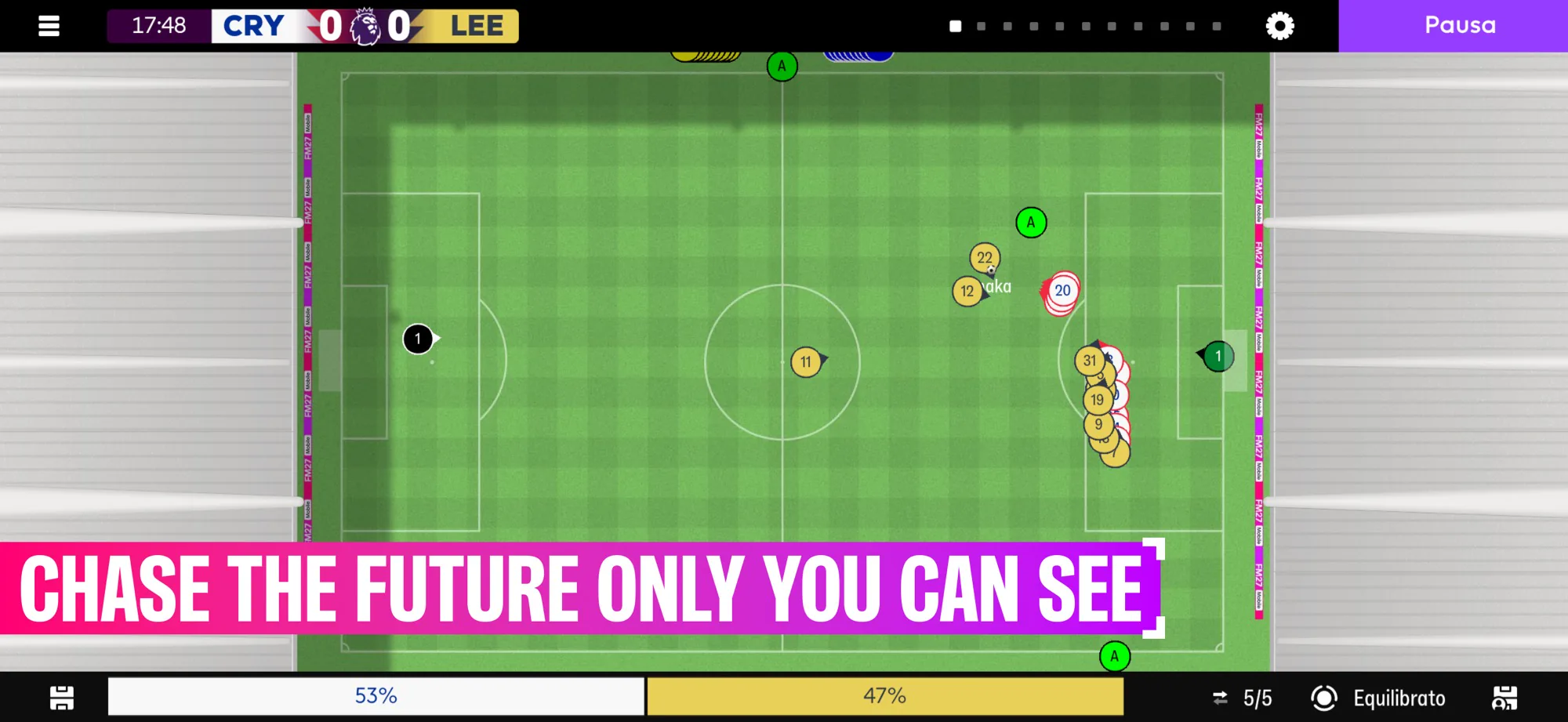
Recreating Barcelona's 2016/2017 Tactic in FM27 Mobile
Messi plays as an Advanced Playmaker on the right, while Suárez leads as a Complete Forward.
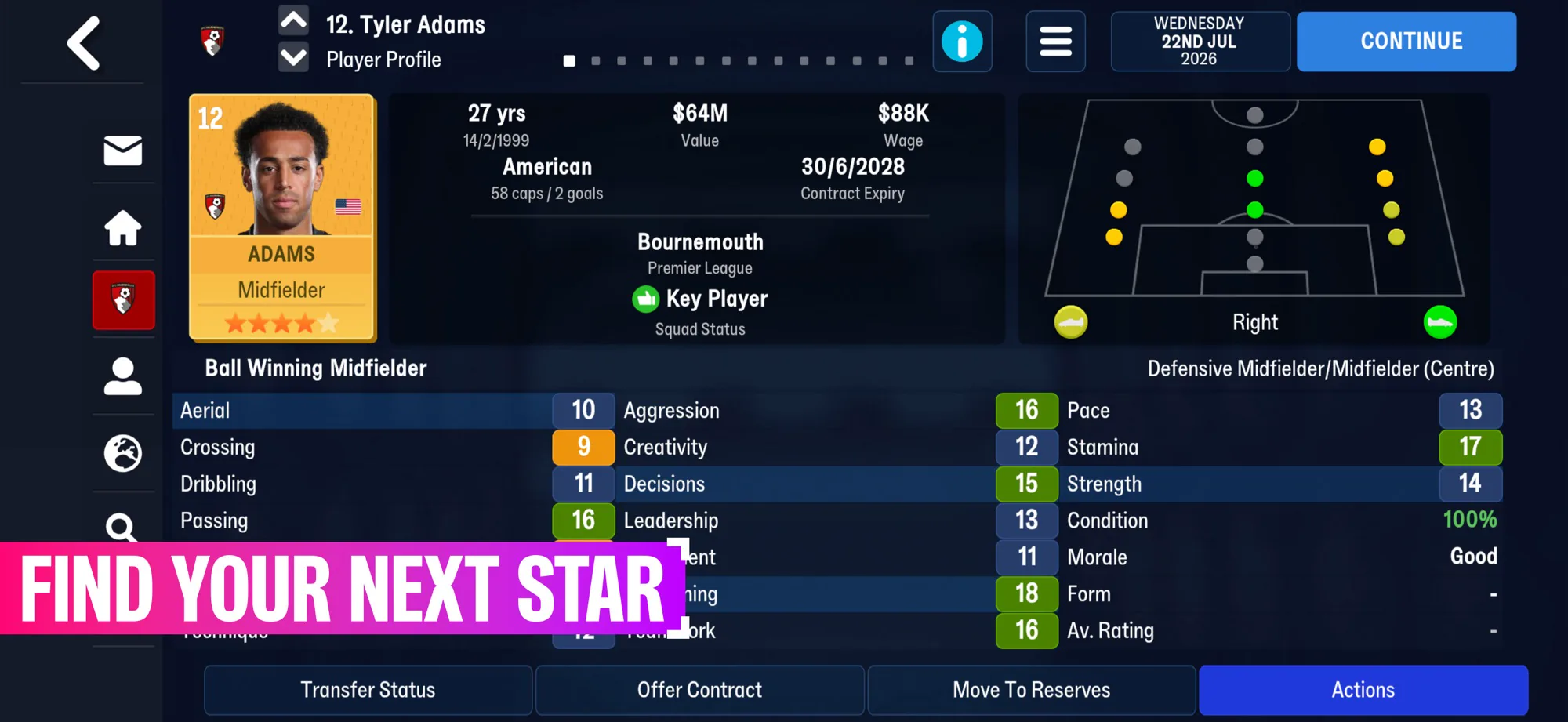
Getting Started in FM27 Mobile: Club Choice, Leagues, and First Steps
Early career tools include Tactics role guidance, Physio Reports and inbox messages on squad morale.
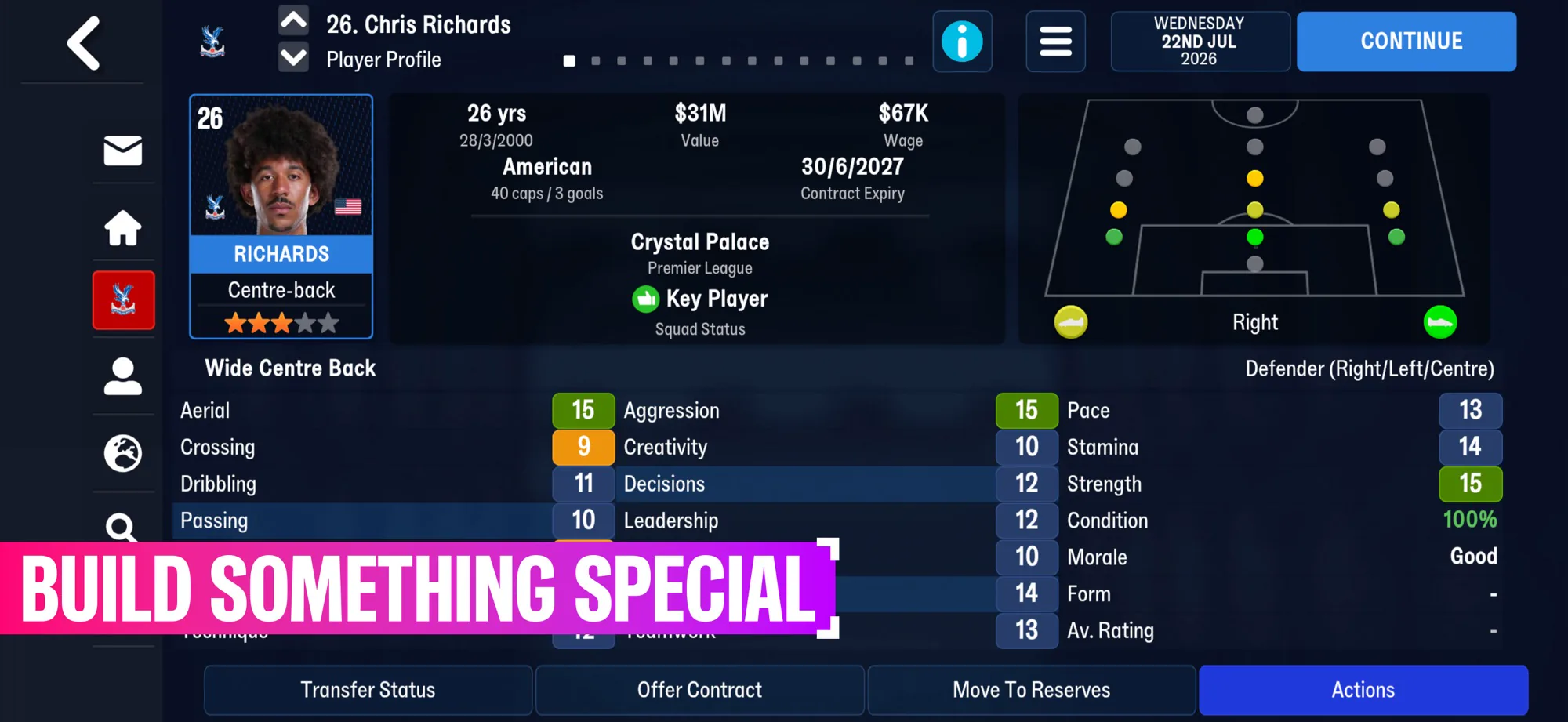
FM27 Mobile Beginner Guide: Choosing a Club, Leagues and Your First Season
FM24 Mobile and FM26 Mobile saves carry over, but FM27 Mobile has no cloud saves for your career.
FM27 Mobile Community Hubs: FMM Vibe Forums and the SI Bug Tracker
FM27 Mobile community advice is on FMM Vibe; official news comes from @FootballManager’s social channels.